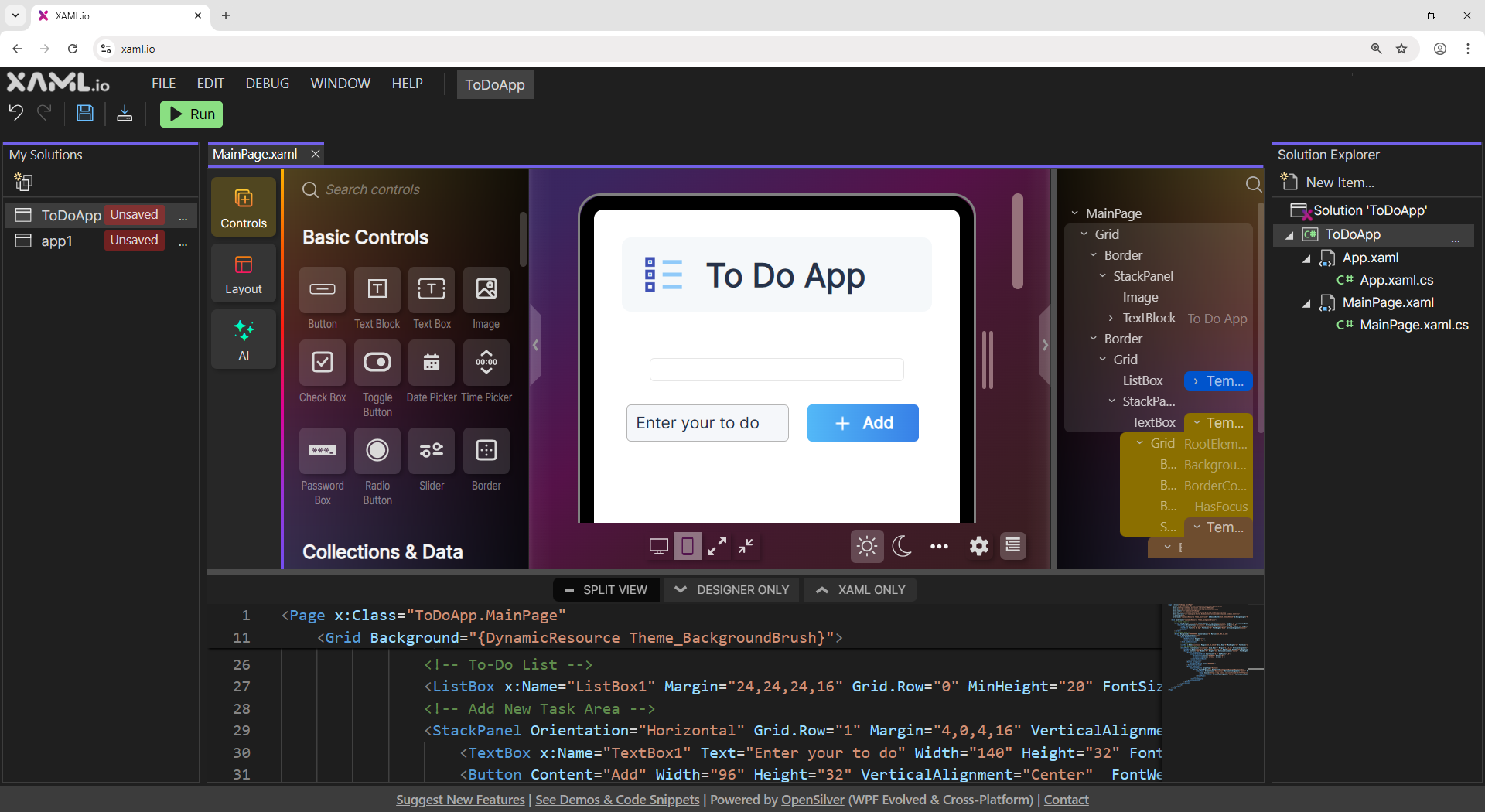
We built a browser-based IDE where .NET compilation runs entirely client-side via WebAssembly. The C# compiler itself runs in the browser. When you click Run, your code is compiled locally in the browser tab, using the same .NET WebAssembly runtime that Blazor applications use. Nothing is sent to a server. There is no round-trip, no cold start, and no build queue.
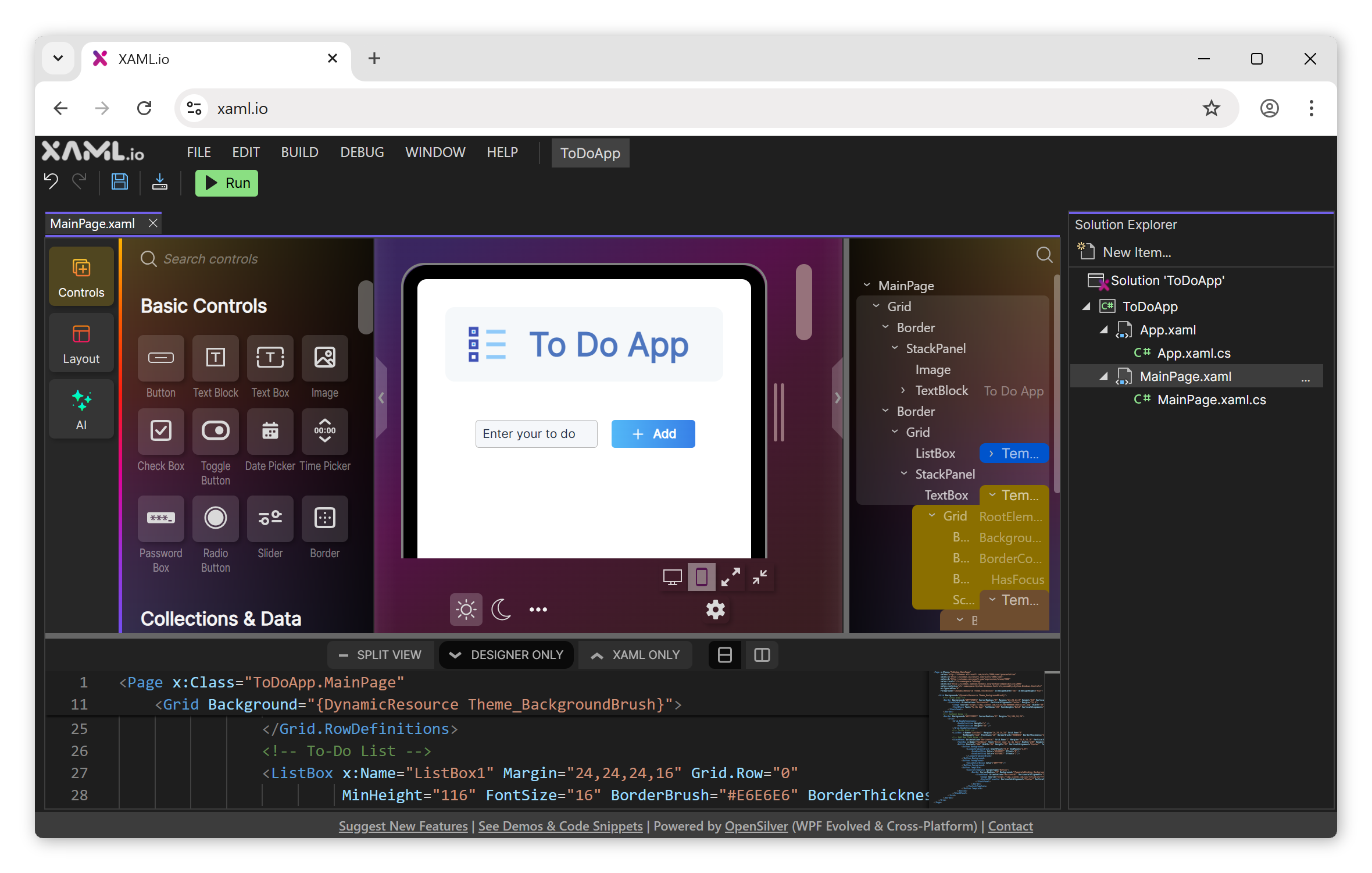
When you open xaml.io, a default project loads with the structure of a WPF application (WPF is the standard desktop GUI framework for .NET): MainWindow.xaml, MainWindow.xaml.cs, App.xaml with a StartupUri. The XAML syntax is WPF syntax, so existing knowledge transfers directly (a growing subset of WPF APIs is supported, with more added in each release).
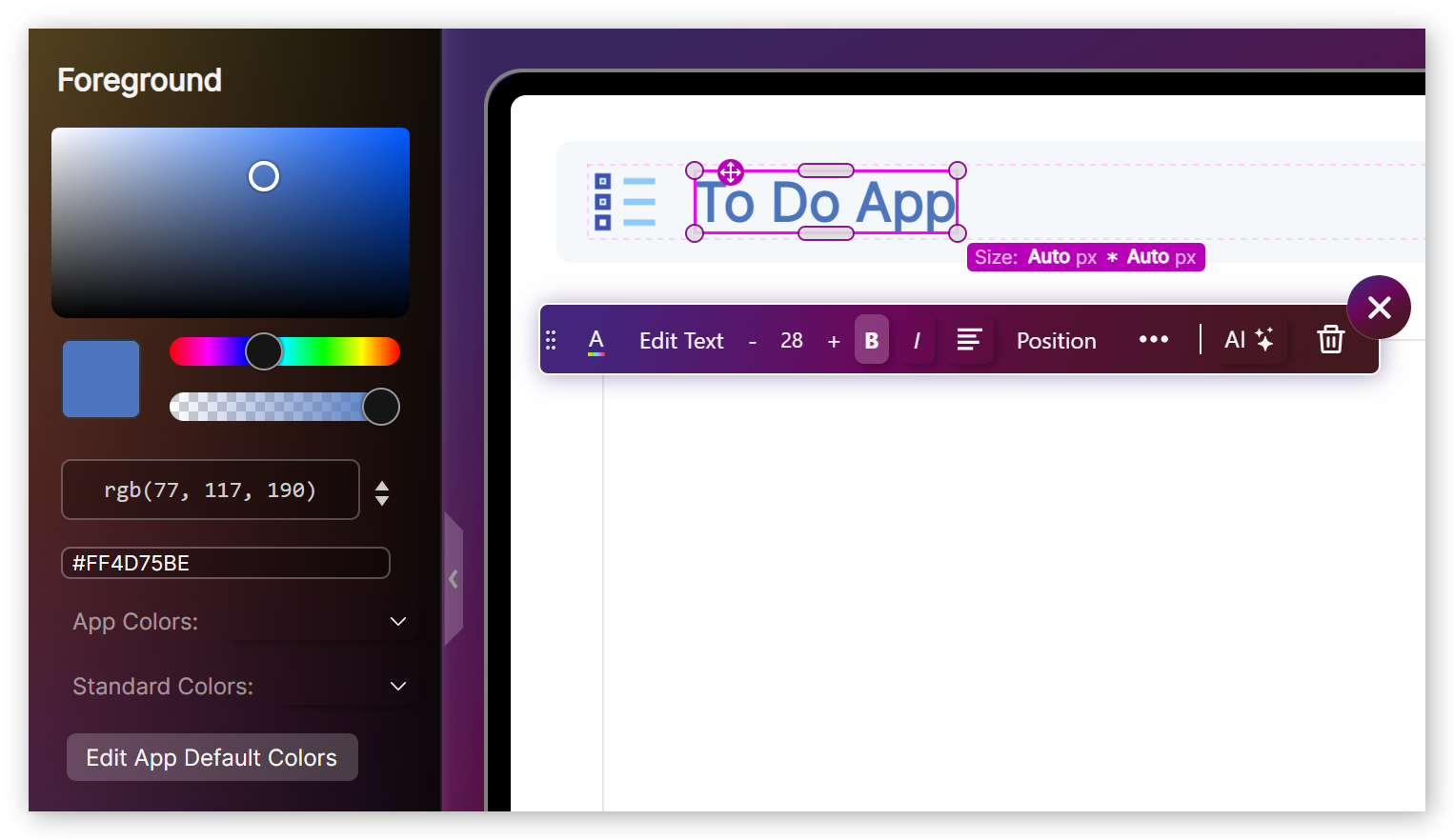
The IDE includes a visual drag-and-drop designer with over 100 XAML controls. It is not a preview pane: it is a two-way design surface. Drag a control from the toolbox onto the canvas, and the corresponding XAML is generated. Edit the XAML, and the designer updates. Double-click a Button, and a Click event handler is generated in the C# code-behind file. The designer supports Grid, StackPanel, Canvas, DockPanel, and other WPF layout panels, with property editing for margins, alignments, row/column definitions, and data bindings.
Under the hood: OpenSilver
The framework that makes this possible is OpenSilver, an open-source reimplementation of the WPF APIs built from scratch on modern .NET, WebAssembly, and the browser’s DOM. XAML.io itself is a C#/XAML application running on OpenSilver, so the IDE runs on the same framework it lets you develop with.
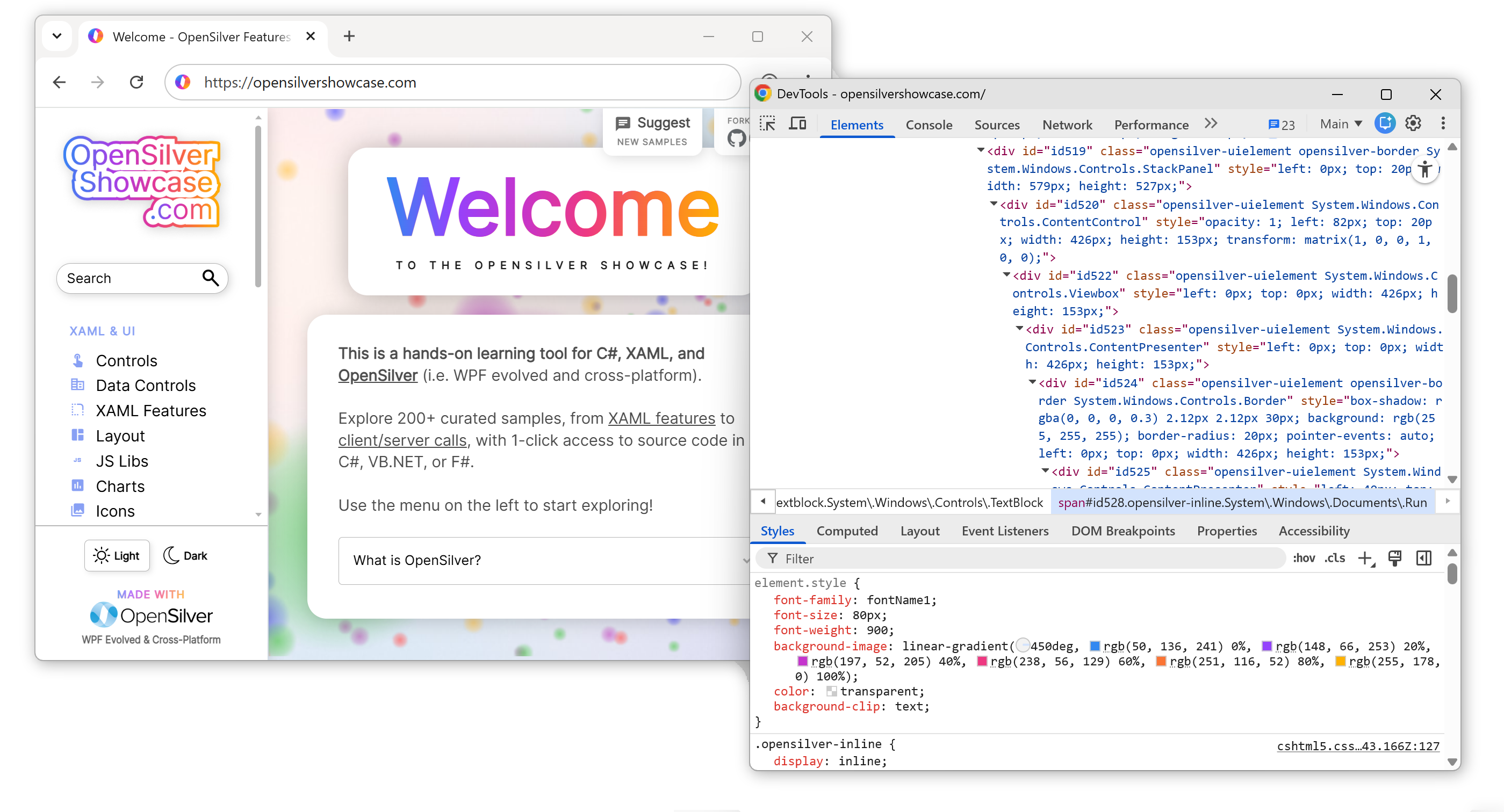
OpenSilver renders XAML as real DOM elements rather than drawing to a canvas. A TextBox becomes an actual <textarea>, an Image becomes an <img>, a MediaElement becomes a <video>, a Path becomes an <svg>. Because the output is real DOM, browser-native behaviors work without reimplementation: text selection, Ctrl+F, screen readers, tab navigation, form autofill, browser translation, and accessibility compliance. Open DevTools on a running XAML.io app and you see a real DOM tree, not a single <canvas> element.
The compiled output is a set of static files: .wasm, .js, index.html, and assemblies. No ASP.NET server, no SignalR, no server-side rendering. Host them on any web server or CDN.
Where it stands
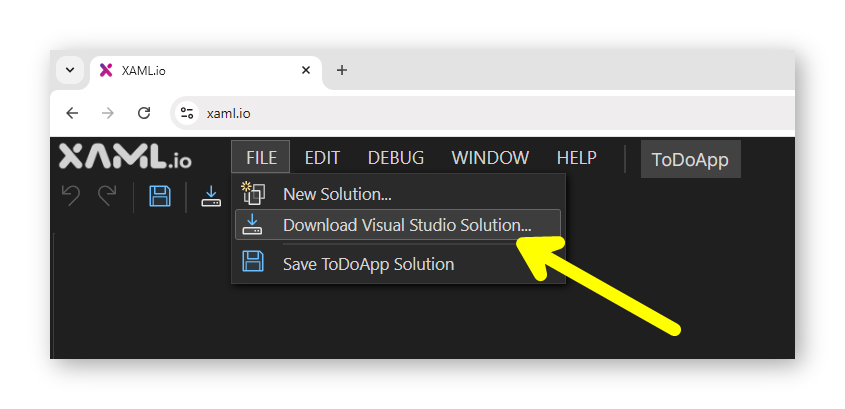
XAML.io is a tech preview. There is no debugger, no C# IntelliSense (XAML IntelliSense works), and solutions are limited to a single project. Every project can be downloaded as a standard .NET solution and opened in Visual Studio, VS Code, or any .NET IDE. The underlying framework is open-source, so nothing ties your code to XAML.io.
Free. No install. No signup required.