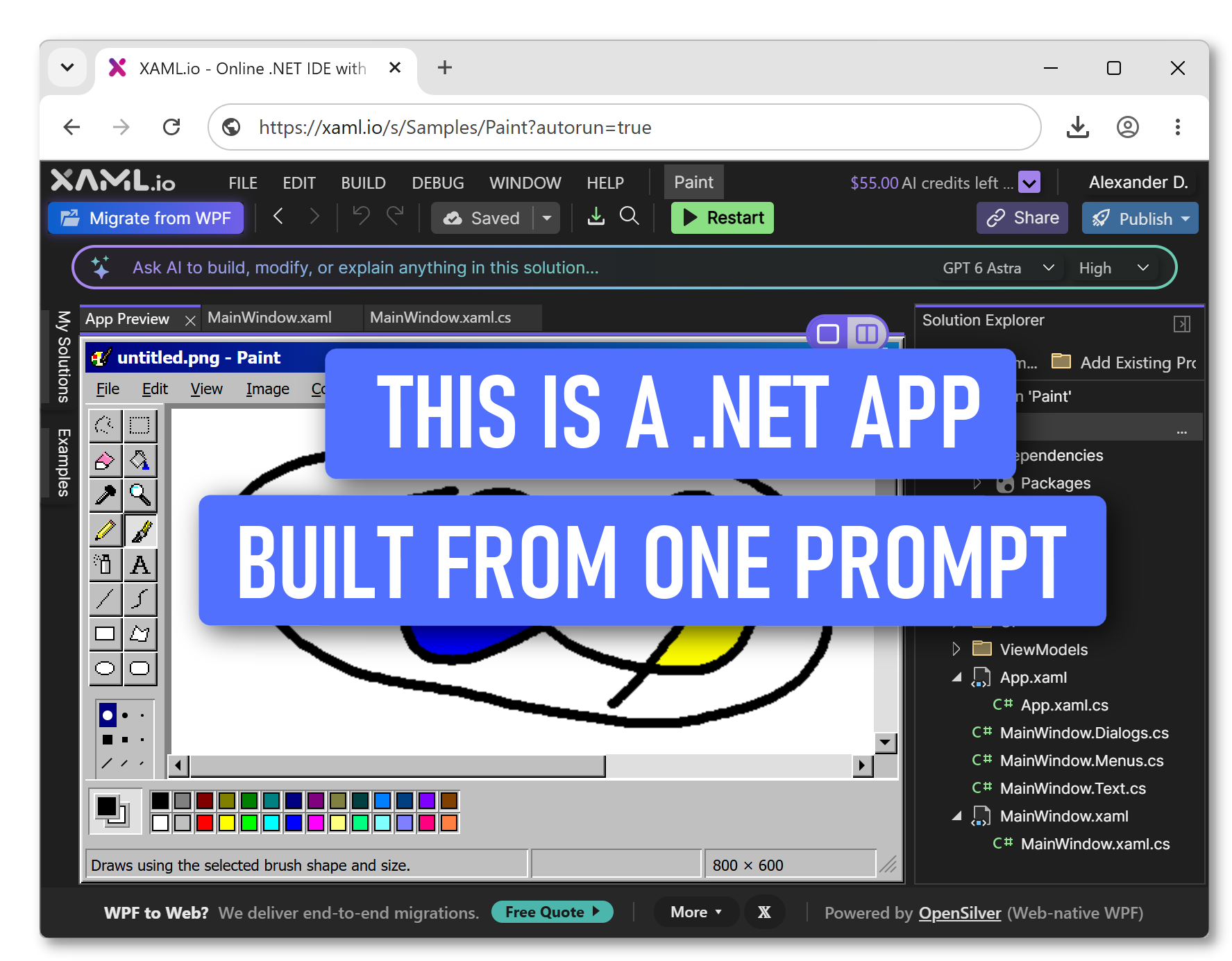
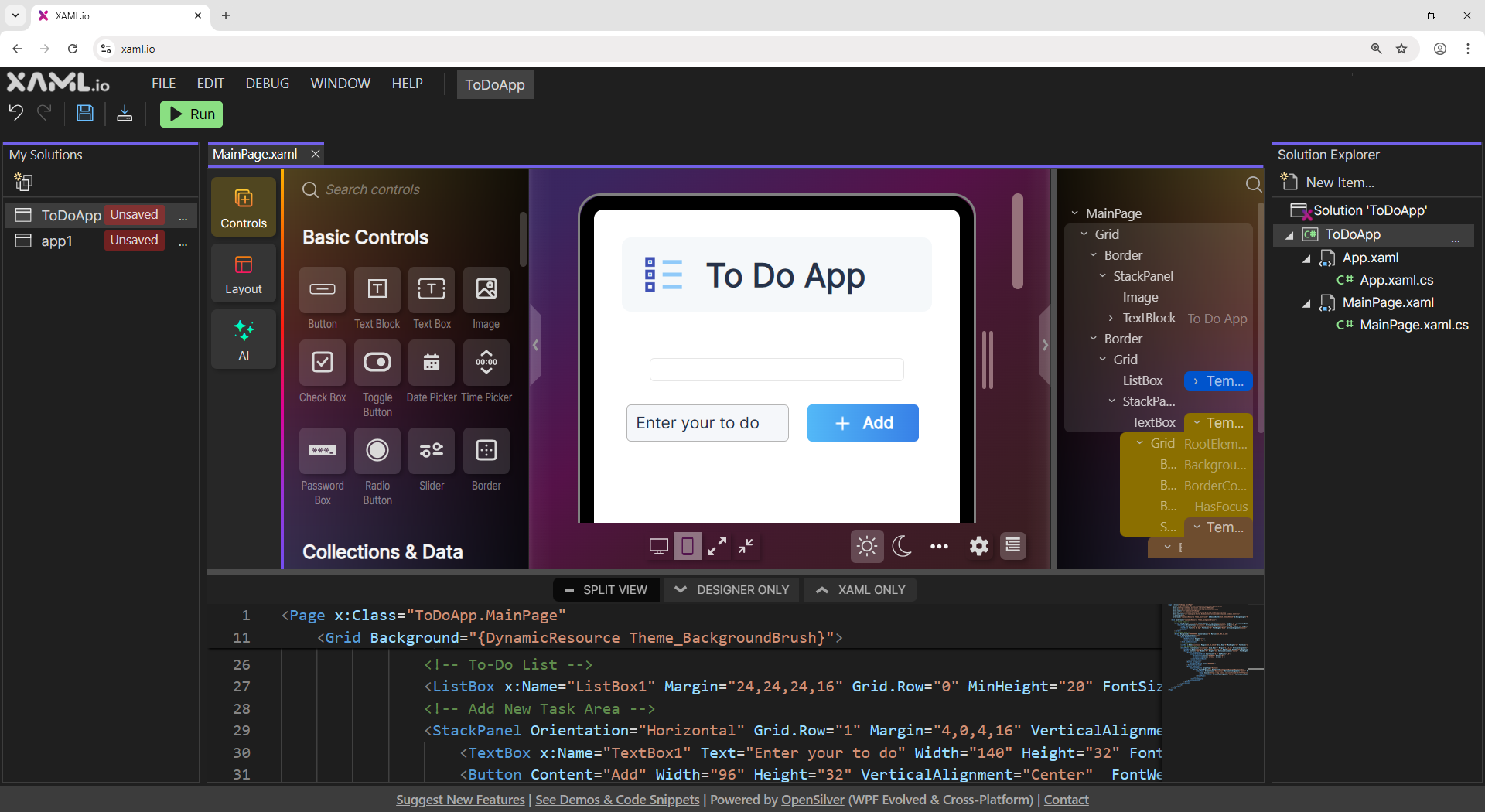
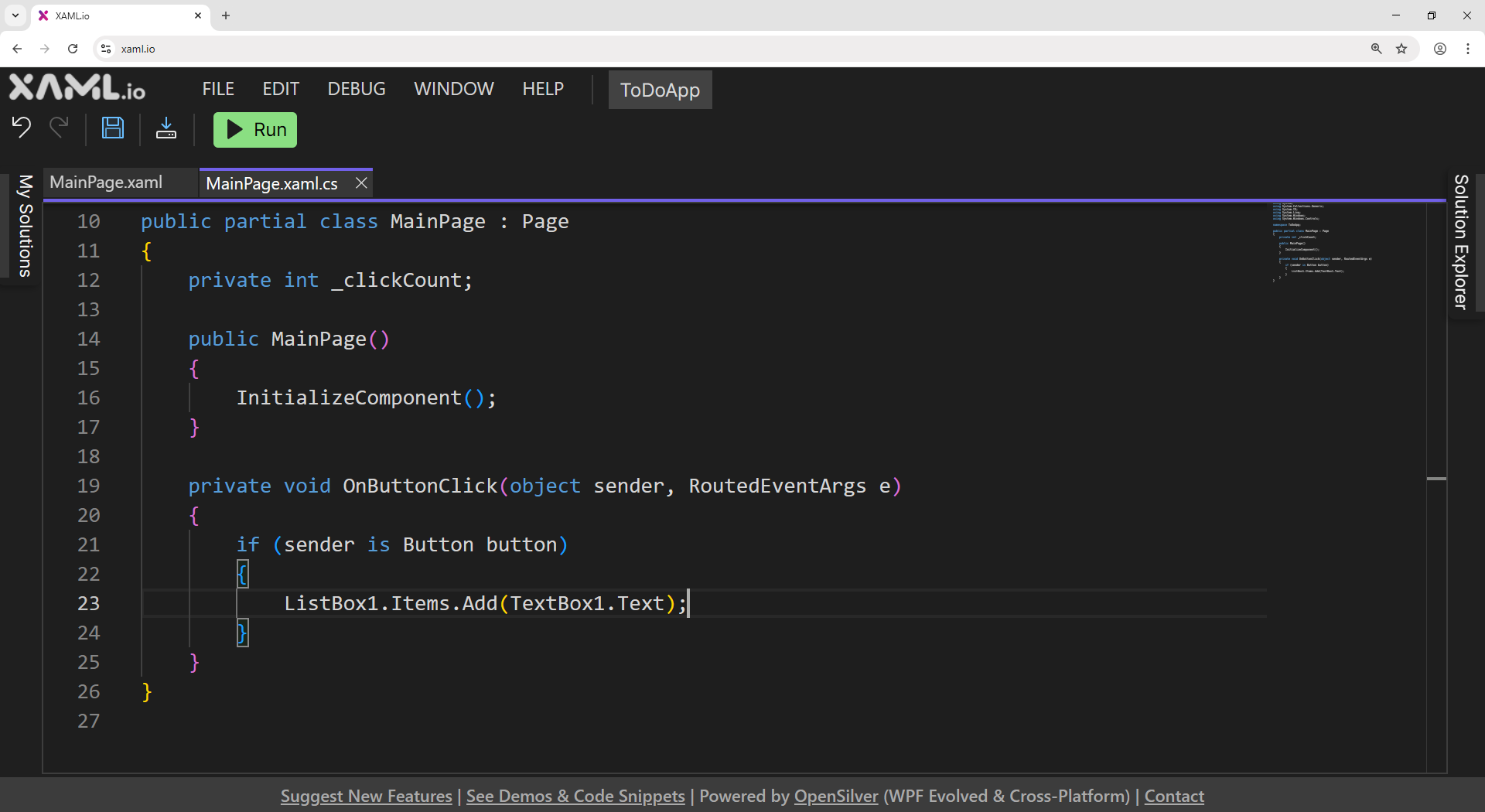
XAML.io v0.9 adds an AI coding agent that writes, builds, and fixes C# and XAML. It also adds one-click Web publishing and Version History, and it shows what every AI request costs, in dollars. Every project is a standard .NET solution. You can keep changing it with the agent, in code, or in the visual designer, or open it in Visual Studio.
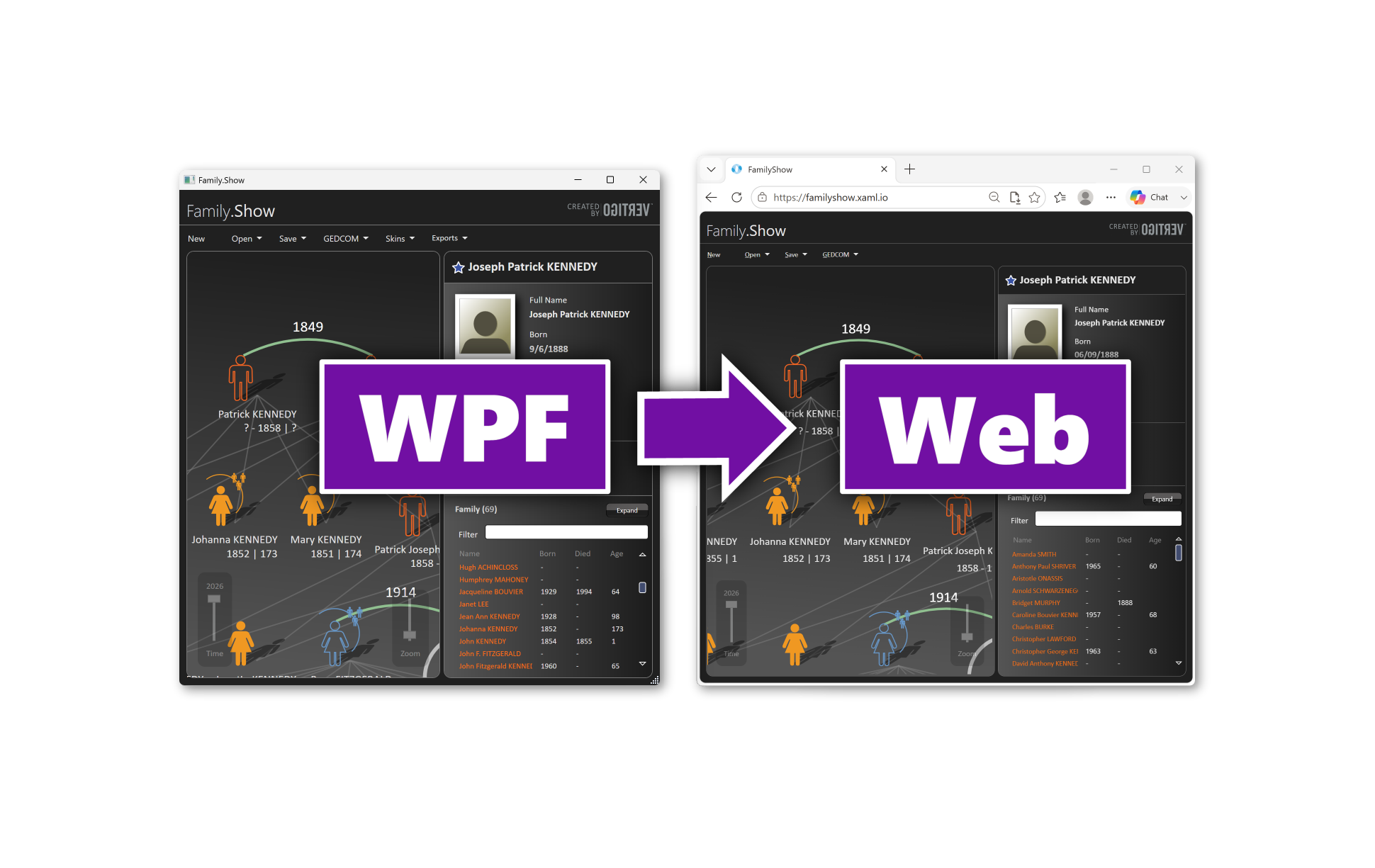
XAML.io v0.8 adds Migrate from WPF: a free compatibility analyzer (your code never leaves your computer), in-browser source import, and end-to-end migration help. It is not a rewrite. Run your existing WPF app on the web with the same C# and XAML, most of your code unchanged and the UI intact. Powered by OpenSilver, our open-source, cross-platform framework.
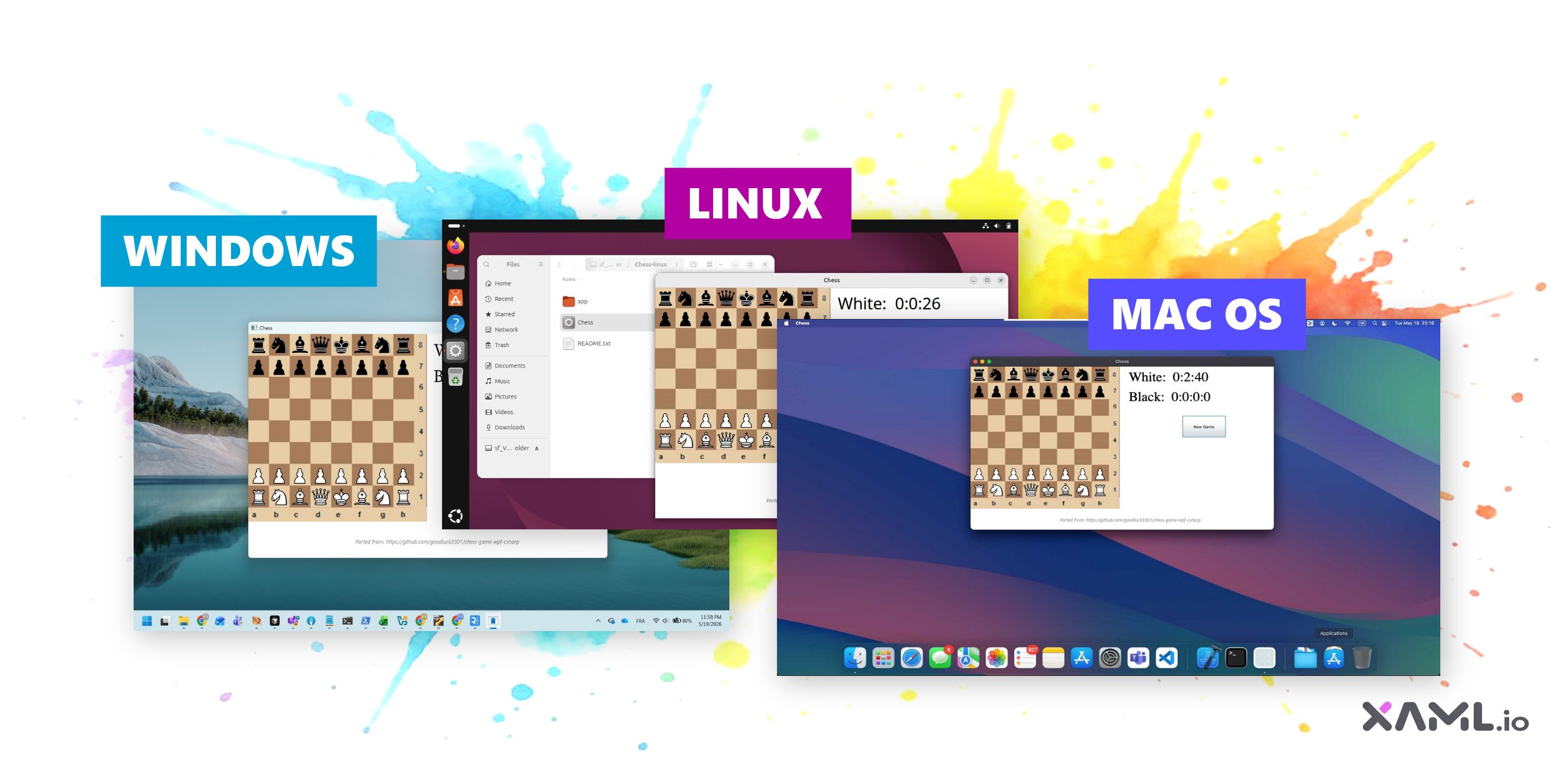
XAML.io v0.7 now exports C#+XAML projects as native Windows .exe, macOS .app, and Linux executable files. The whole pipeline runs in the browser via WebAssembly, including packaging, file generation, and even Apple Mach-O ad-hoc code-signing. No server. No backend compile step.
New version 0.6 of the free browser-based .NET IDE adds NuGet package support and code sharing via URL. Share a link to a running C# project and anyone can view, run, edit, and fork it instantly.