Embargoed press preview. Not for publication before July 6, 2026, 8:00 a.m. ET (2:00 p.m. CEST). This page is shared privately with press under embargo. Please don’t share this link, and please don’t publish coverage before the embargo lifts. Questions: vasil.buraliev@userware.dev.
XAML.io v0.8 — “Migrate from WPF” Press Kit
Everything you need to cover the launch. Download the full kit (press release, fact sheet, quotes, screenshots, logos):
For background and code, the full technical write-up goes live on July 6: Migrate Your WPF App to the Web.
See it live (please keep under embargo until July 6)
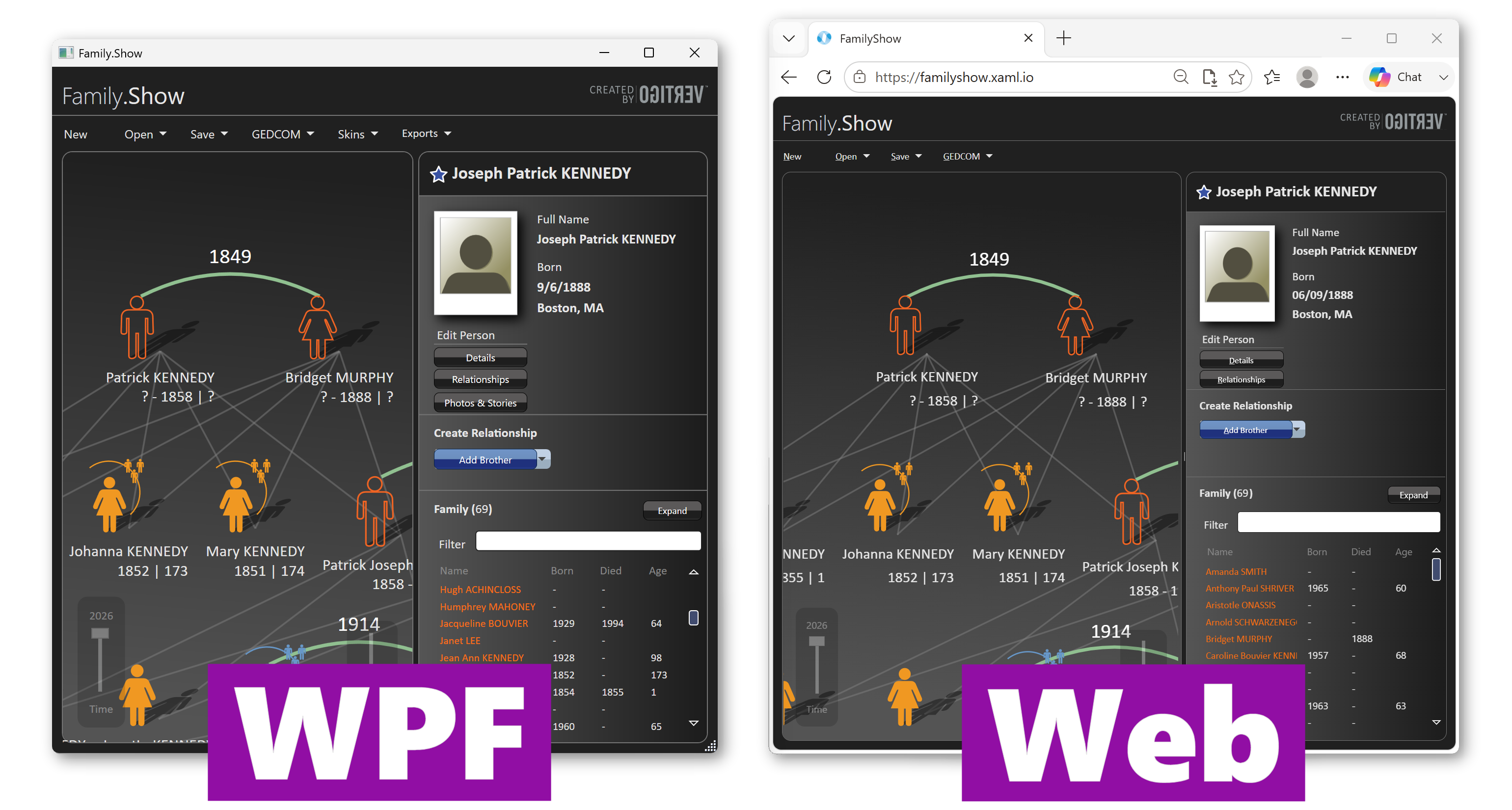
- Family.Show, migrated and running in the browser: familyshow.xaml.io
- Migrated source (on XAML.io): xaml.io/s/Samples/Source/FamilyShow
- Original WPF source: github.com/fredatgithub/FamilyShow
- Try it (live July 6): xaml.io → “Migrate from WPF”
The story in one line
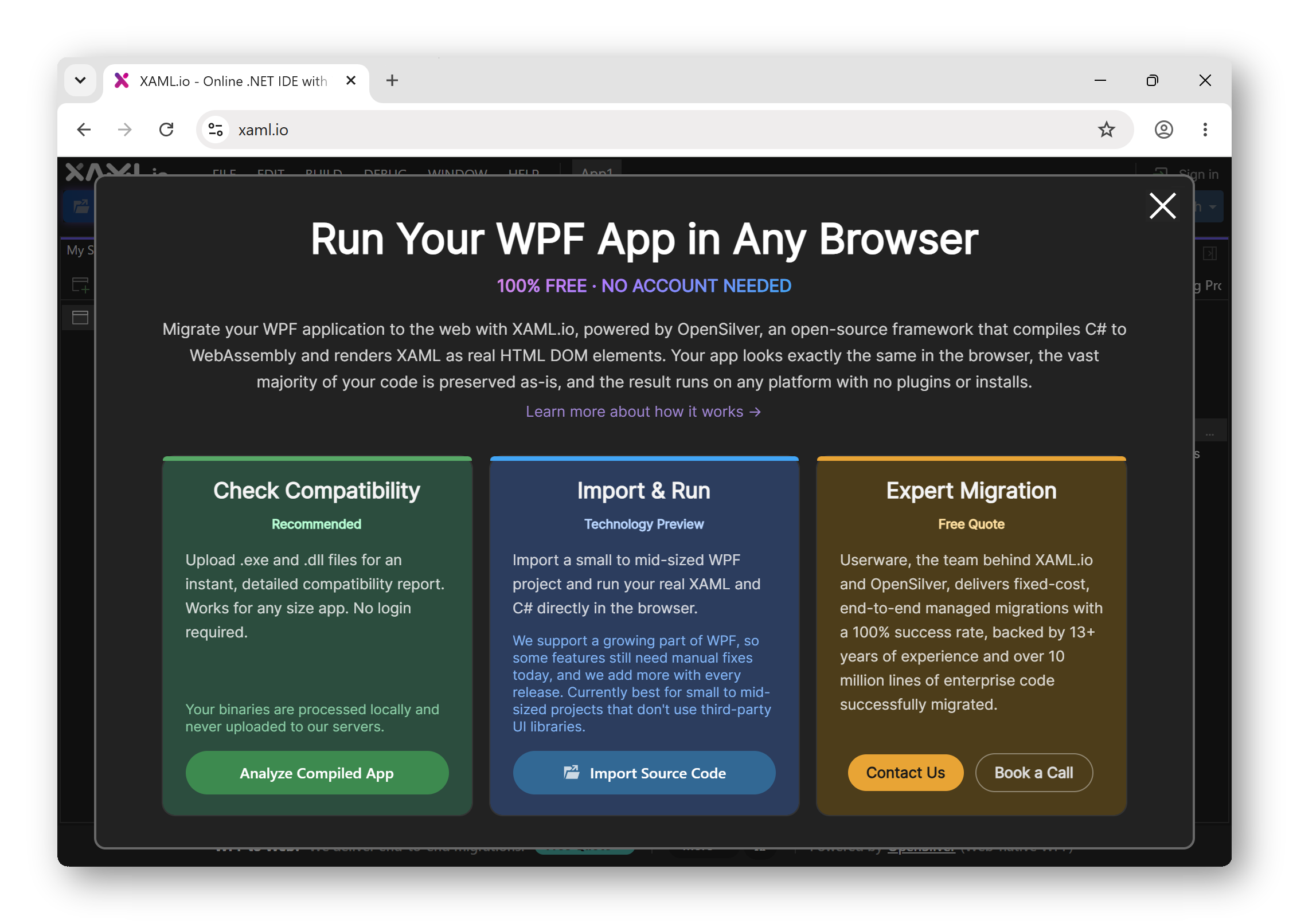
XAML.io v0.8 adds Migrate from WPF: free, in-browser tools that bring an existing WPF application to the web with minimal code changes — deliberately not an AI rewrite. Powered by the open-source OpenSilver framework.
Key facts
About a migrated app:
- Proof point: Family.Show, the advanced WPF reference app Vertigo built for Microsoft, migrated and running live in the browser, with 97% of the original code unchanged (measured as a line-by-line diff of the C# and XAML files between the original and migrated codebases).
- Footprint: the migrated app, including the entire .NET runtime, is 8.1 MB compressed, with no browser plugin to install. CDN-served, it loads in a few seconds and is then cached; runtime performance is smooth.
- Reach: runs on any device with a browser (desktop, tablet, phone); the same C#/XAML codebase can also ship as desktop and mobile apps.
About XAML.io and the migration tooling:
- No AI rewrite: the original C# and XAML are preserved; only small, visible, reviewable changes are applied (compiler directives, XAML comments, in-IDE warnings), plus a runtime alert system that flags stubbed/disabled code without crashing the app.
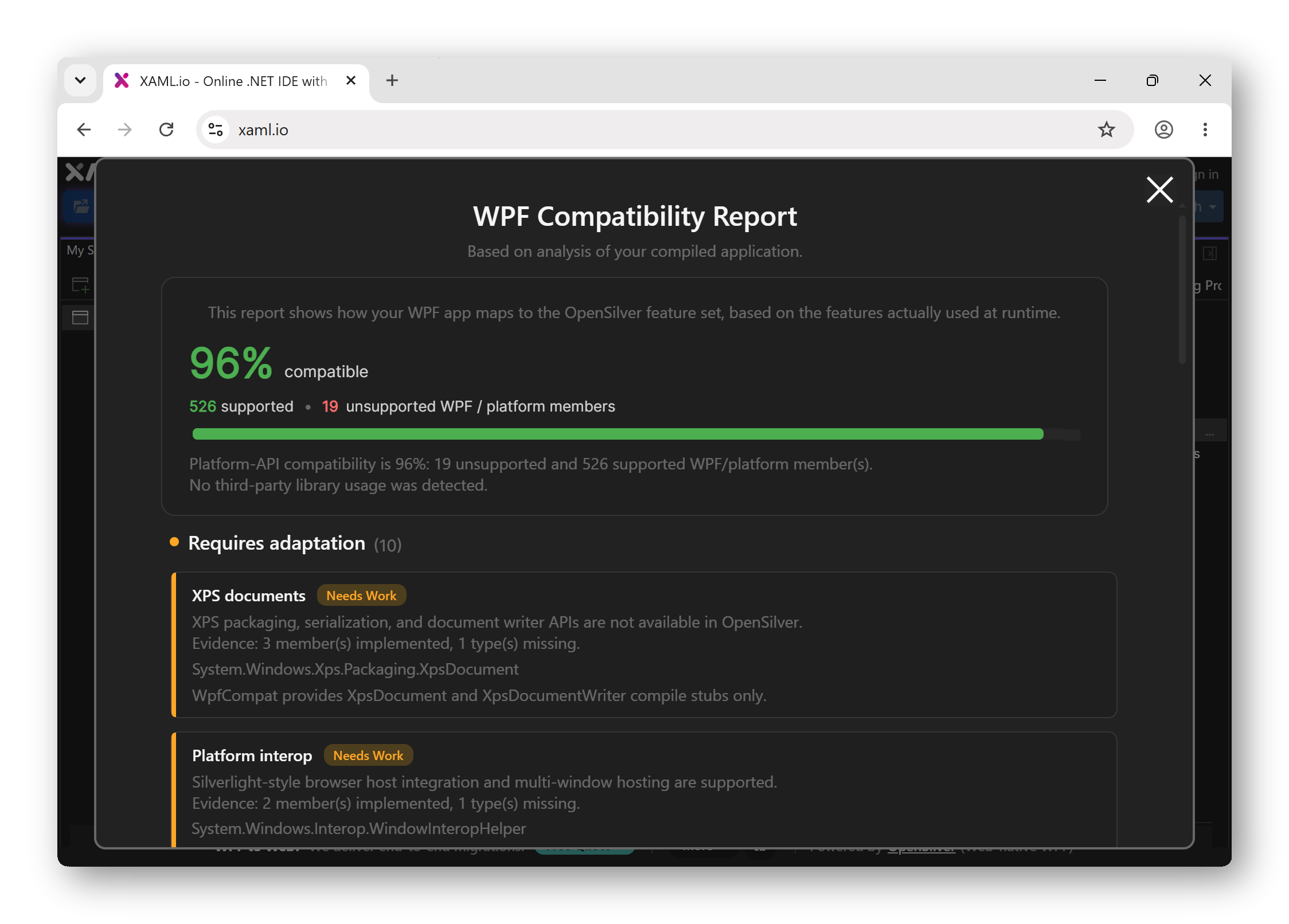
- Compatibility tooling: ships 8 Roslyn analyzers and 16 automatic code fixes today; WPF coverage in OpenSilver expands continually.
- Privacy: the whole flow (analyze, import, fix, run, export a Visual Studio solution) can run locally in the browser with no signup; source code is not sent to Userware’s servers. Cloud save, sharing, and AI features are opt-in.
- Pricing: self-serve tools are 100% free (OpenSilver is open source, MIT); optional paid professional services for production migrations of any size.
- No lock-in: download a standard Visual Studio solution at any time and continue in Visual Studio, VS Code, Rider, or another IDE.
Screenshots
Credit: Userware / XAML.io. Free to use for editorial coverage. Higher-resolution versions are in the ZIP above; more screenshots and a short migration video are in the technical write-up (live July 6).
Quotes
Attributable to Giovanni Albani, CEO of Userware:
“WPF isn’t going anywhere on the desktop. But a lot of these apps now need to live on the web too, and getting them there shouldn’t require a rewrite. We keep your original C# and XAML and make the framework support what your app already does.”
“A working WPF app is an asset, not a liability. We help companies bring it to the web and keep it, instead of throwing it away in a rewrite.”
More quotes, by angle, are in the ZIP (quotes.txt).
Interviews & demo
We’re glad to arrange a CEO interview with Giovanni Albani, a live or recorded demo, or exclusive early access before the embargo lifts.
Media contact
Vasil Buraliev — Media Relations, Userware — vasil.buraliev@userware.dev
Usage: all assets in this kit may be used freely for editorial coverage of XAML.io / Userware. Please credit “Userware” (or “XAML.io / Userware”).